


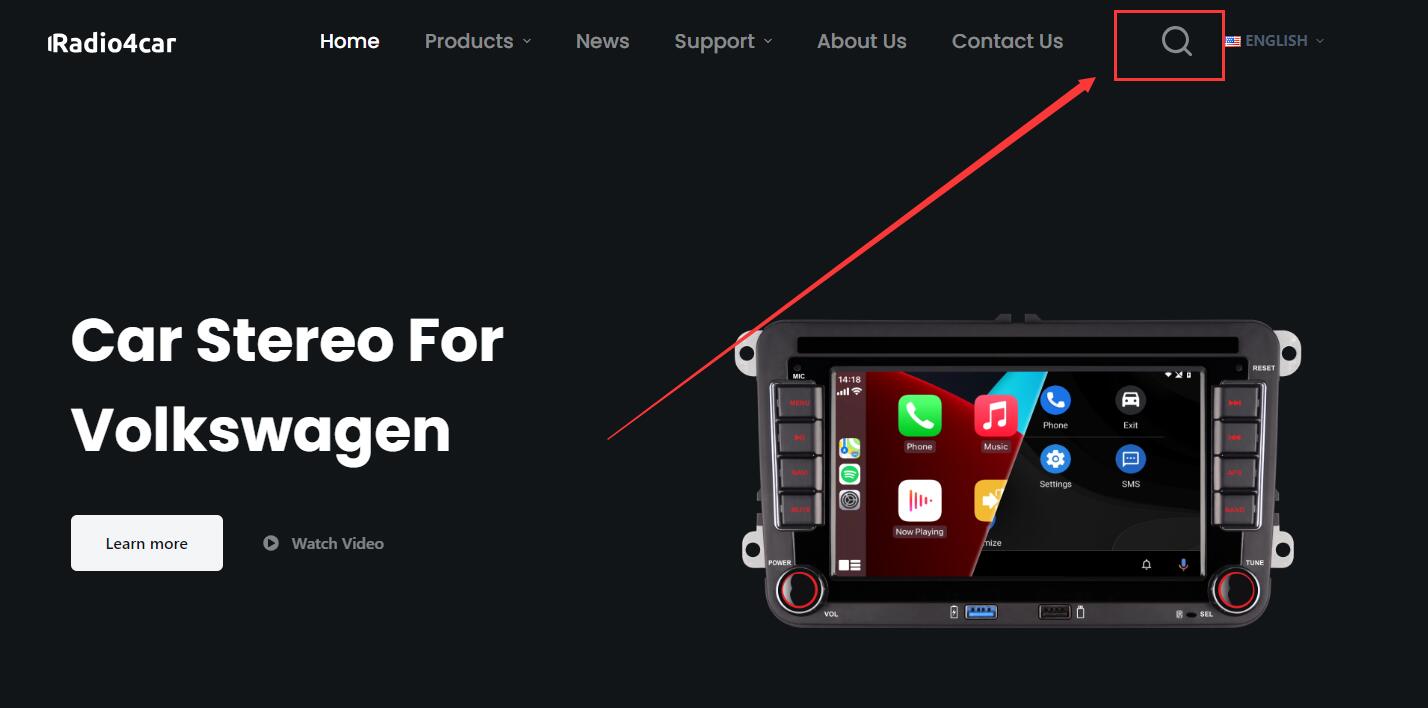
Click the search icon on the top of the page.
(Please touch Home-Settings-About to get the version number of your radio. There might be some types of different version number: “H-XXXX-xx-YYMMDD” or “HQD-XXXX-xx-YYMMDD”or “H-L-XXXX-xx-YYMMDD” or “H-H-XXXX-xx-YYMMDD” or “H-BMW-DSPxx-YYMMDD” or “LST-BMW-DSPxx-YYMMDD”. If the version number of your radio is not the above version number format, this firmware will not fits your radio.) Please note that the prefix need to be strictly the same. For example, if the version number of the firmware is H-L-7005, and your radio versio number is H-H-7005 or H-7005, then the firmware doesn’t fit your radio.
Enter the prefix of the Version Number. Then Click the search icon.

Check the prefix of the version numbers and click the correct firmware page.
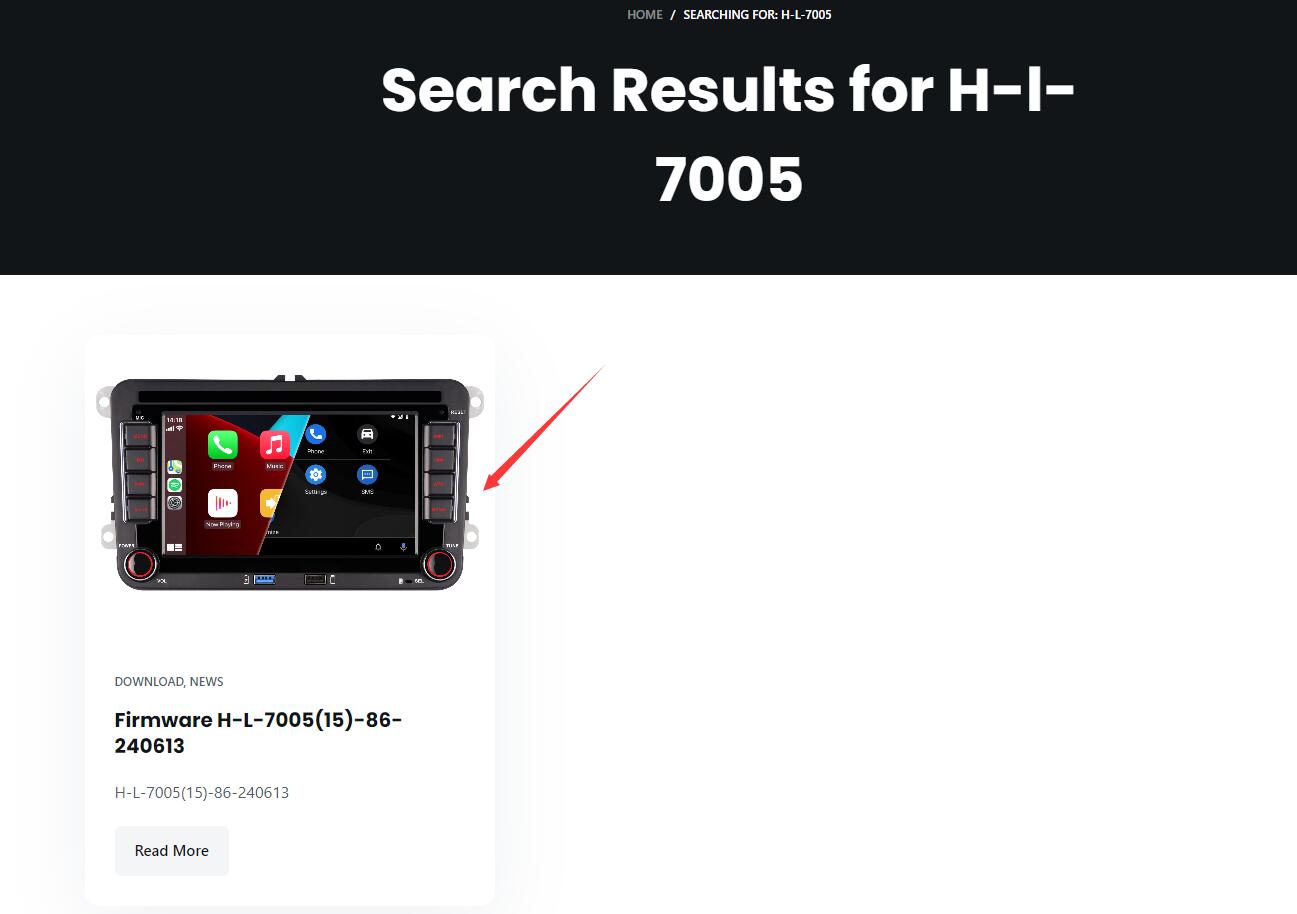
Read the updating page and check the version number again. Then click the download button to download the firmware file. If the download button doesn’t work, please copy the download link and load it in a new browser tab. Please don’t forget to download the updating guide.
If you can’t find your model, please contact us directly. Email: hqdservice@gmail.com
Hi, I need the latest version for my radio, my current version is: HN 7033251216 As soon as I play music, this music stutters, so it doesn’t play smoothly. :/
You can search for the keyword of “H-N-7033” by our website.
Hi , ich suche nach einem Update der Firmeware für mein Radio:
MCU Ver: Oem_2025/09/10 10:48
User Ver: LST-BMW-DSP25-251010
CAN: BMW- H/7S/10YY11
Ausserdem würde ich gerne das Bootlogo von BMW verwenden, wie mache ich es? Und gibt es die Möglichkeit ein anderes “Skin” für das Betriebssystem zu verwenden, geht es?
http://www.radio4car.com/wp-content/uploads/2025/08/Customizing-Personal-Logo_EN_FR_DE_IT_ES.pdf
You can follow this guide to change the booting logo. https://drive.google.com/file/d/12_SMw9uU-A1q-KEOKmshjcwsnpUMNWd_/view?usp=drive_link
You can visit this link to download the latest firmware.