
Version number: H-N-7033-260818
Updates:
References
Note: If the download button doesn’t work, please copy the download link and load it in a new browser tab.

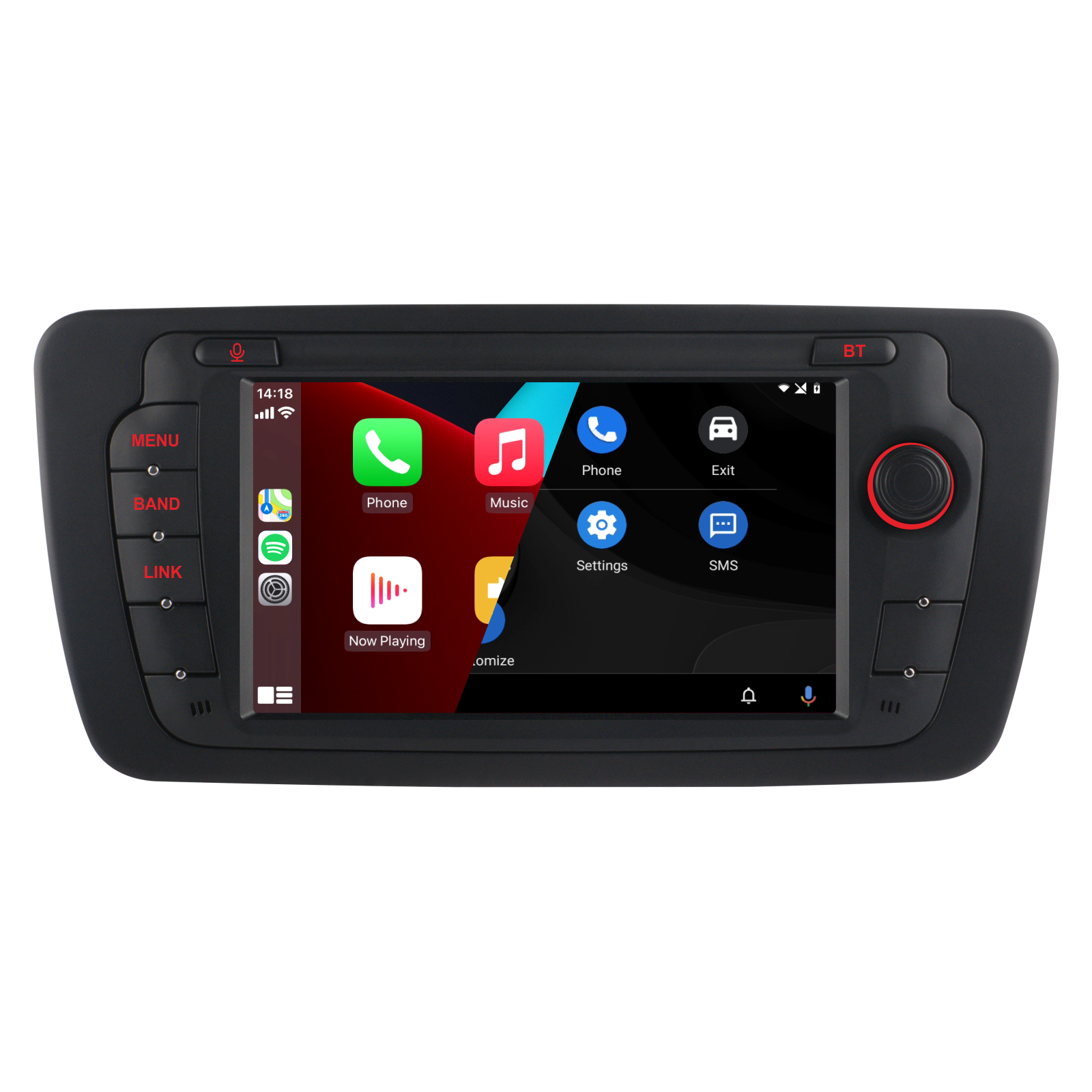
Note: If the download button doesn’t work, please copy the download link and load it in a new browser tab.
Hola acabo de comprar una radio H-N-7033 y tengo dos dudas ¿Como puedo establecer el color de la iluminación de la radio? Actualmente va cambiando de un color a otro automáticamente.
Y ¿Como puedo personalizar el logo al iniciar?
Gracias!
You can touch Home-Settings-Button lights to set the lights color. The radio came with a guide to change the booting logo. You can follow that.
Bonjour, je n’arrive pas a installer la mise a jour, j’ai “not suport file” qui s’affiche a l’écran.
la dernière mise a jour effectuer est “H-M-7033-251203”.
It because you did downlaod the wrong version. This version is for the H-N-7033
Hello, despite the update, the wireless CarPlay still doesn’t work with my iPhone 12. Also, the Seat logo is now displayed when starting up, which doesn’t match my Skoda. Before the update, only a car was shown at startup.
You can change the booting logo yourself. Please also try to touch Home-Settings-Default to reset the radio first. Then delete the Bluetooth name of the radio from your phone. Then reboot your phone. Then connect it again.